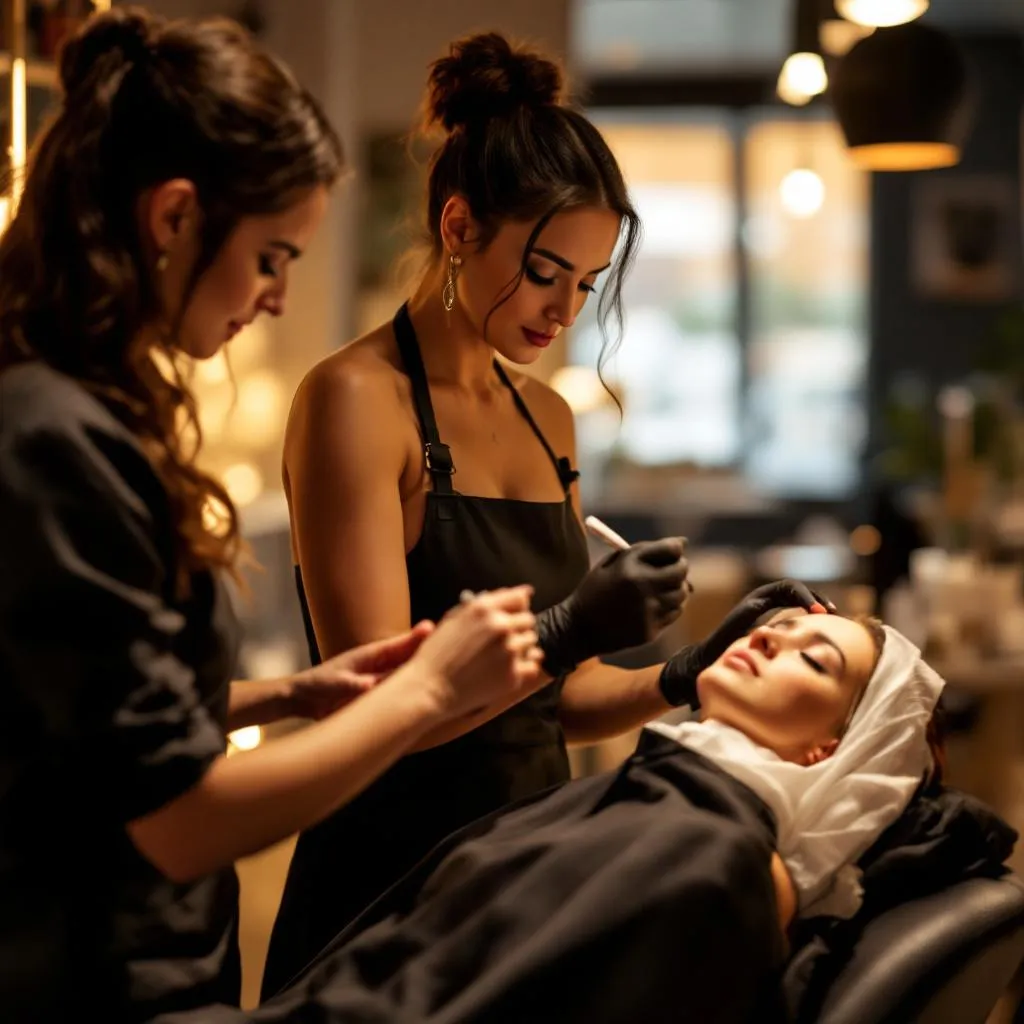
A client rings. She wants colour with your colourist, a quick trim once it is processed, and gel nails with your nail tech — all in the same visit. Can you fit her in?
In most salons, this question kicks off five minutes of diary-juggling. You open one column, then another, try to match processing windows, guess at travel time between chairs. Miss one overlap and you have either double-booked a stylist or left the client sitting idle for half an hour.
With Mixed Bookings, the client books it herself — in one flow, in under two minutes — and the system handles every timing constraint automatically.
See also: free 7-day trial.
The scenario: colour, cut, and nails
Here is the exact appointment we are going to walk through:
- Service 1: Full-head colour — Sarah (colourist), 90 min
- Service 2: Cut and blow-dry — Sarah, 30 min
- Service 3: Gel manicure — Jamie (nail tech), 45 min
The clever part: while the colour is processing (roughly 40 minutes of that 90-minute slot where Sarah is not actively working), Jamie does the gel manicure. The client does not sit doing nothing. Sarah comes back, washes off the colour, and goes straight into the cut.
Total time in the salon: roughly 2 hours. Services delivered: three, across two specialists.
What this looks like without Mixed Bookings
Without a system built for this, you are solving a manual scheduling puzzle every single time:
- Check Sarah calendar for a 90-minute colour slot
- Mentally note the processing window — 40 minutes, roughly
- Check Jamie calendar for a 45-minute window that fits inside that processing time
- Verify there is a nail station free at the same time
- Block both stylists diaries manually
- Call or message the client to confirm
- Hope nothing shifts
That is six steps before you have even confirmed the appointment. And if the client wants to change the date, you do it all again.
How Mixed Bookings handles it
In DoTheBeauty, you set up the relationship between services once:
- Full-head colour is a main service (Sarah, 90 min)
- Gel manicure is linked as an add-on (Jamie, 45 min) — bookable alongside the colour
- Cut and blow-dry is a follow-on service (Sarah, 30 min)
When a client books, the system calculates availability across all three services simultaneously. It only shows time slots where:
- Sarah is free for 90 plus 30 minutes (with a natural break for processing)
- Jamie is free for 45 minutes within the colour window
- Both are available on the same day, at overlapping times
The client sees a single booking flow. She picks her services, sees available slots, chooses one, and confirms. The system blocks both stylists diaries instantly. No calls. No messages. No manual checks. stop taking bookings by WhatsApp.
Step by step: what the client experiences
- She visits your booking page — either directly or from your salon website
- She selects Full-head colour — Sarah appears as the assigned stylist
- She adds Gel manicure — the system shows it as an available add-on
- She adds Cut and blow-dry — linked as a follow-on with Sarah
- She picks a date and time — only slots where all three services fit are shown
- She confirms — both Sarah and Jamie receive the appointment. Done.
Why no other booking tool handles this
Most booking software treats every appointment as a single-stylist, single-service block. Multi-service means multiple separate bookings — which the client has to arrange manually, and your team has to coordinate manually.
Platforms like Treatwell or Fresha do not support cross-stylist appointment groups where services overlap in processing time. They are built for simple one-service, one-stylist bookings. The moment a client wants something more complex, the system falls short and the phone rings.
Mixed Bookings was built specifically for multi-specialist salons where services genuinely overlap — not as an afterthought, but as the core scheduling model.
What it means for your revenue
An appointment like this — colour, cut, and nails — runs to £120 to £180 in a typical UK salon. Without Mixed Bookings, many clients do not bother asking if it is possible in one visit. They book the colour today and come back for the nails another day, if at all.
Making it bookable in a single flow does not just save admin time. It surfaces a service combination that would otherwise go unbought.
How to set this up in DoTheBeauty
- Add your services — colour (90 min, Sarah), cut (30 min, Sarah), gel manicure (45 min, Jamie)
- Link add-ons — in the service settings, link gel manicure as an add-on to the colour service
- Set staff assignments — Sarah owns colour and cut; Jamie owns nails
- Publish your booking page — clients can now book the full combination themselves
Setup takes about ten minutes. Once it is live, every booking like this runs automatically — no intervention needed.
If your salon runs multi-service, multi-stylist appointments and you are still coordinating them by hand, this is the feature worth switching for.
Frequently Asked Questions

DoTheBeauty Team
Salon Software Experts
Our team consists of salon owners, beauty professionals and software engineers who share their knowledge to help you build a better salon business.